Ledger®® Live: Desktop® — Getting Started | official Ledger™
Access Ledger Live Desktop to review cryptocurrency transactions, monitor portfolio changes, and manage compatible Ledger accounts.
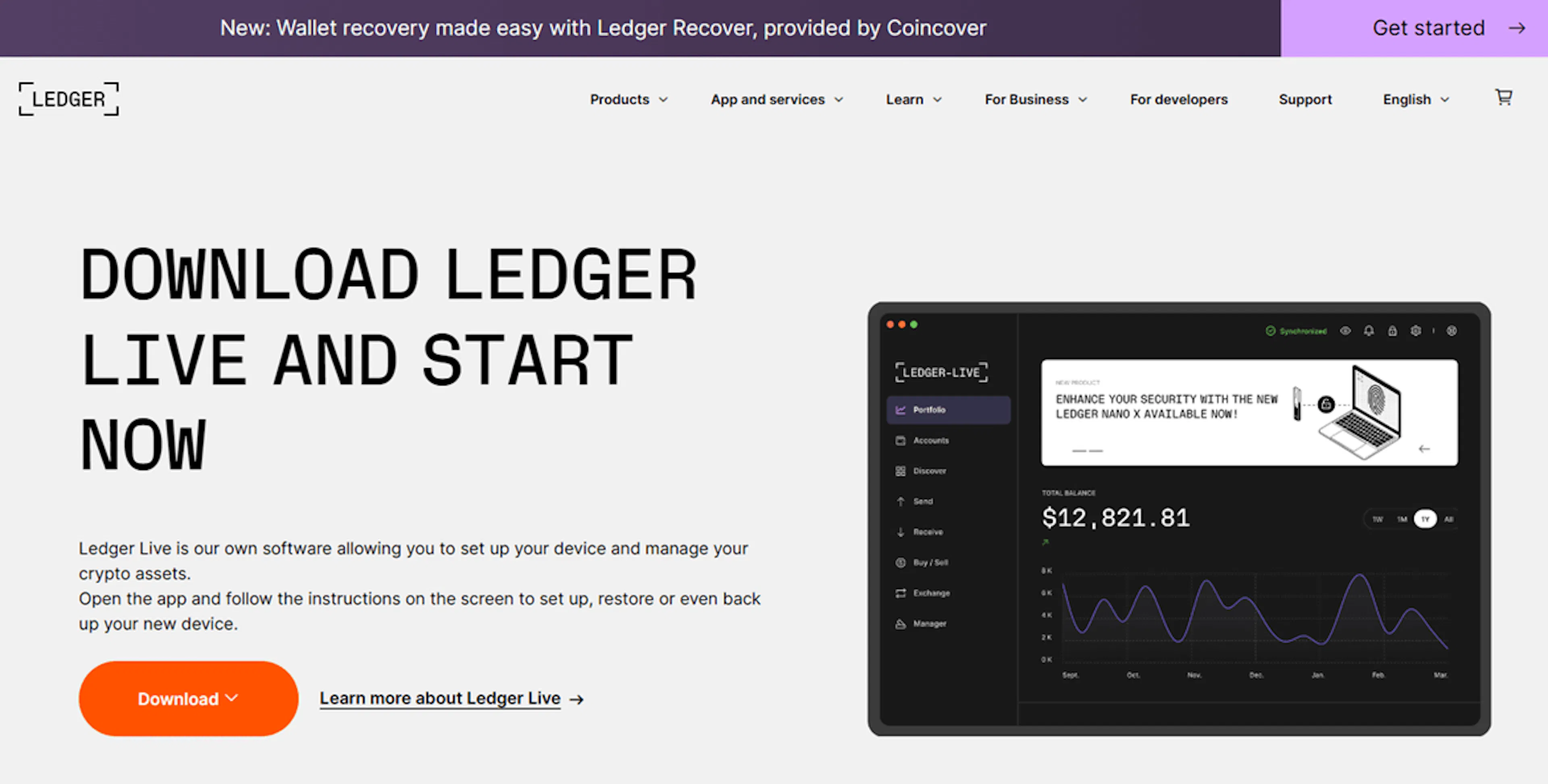
Ledger Live Desktop: A Complete Guide to Cryptocurrency Account Management
Introduction to Ledger Live Desktop
Managing digital currencies becomes easier when you have the right tools to organize accounts, monitor balances, and review transactions. Ledger Live Desktop, now known as Ledger Wallet for desktop, is the companion application developed for use with compatible Ledger hardware wallets.
The application provides a centralized interface for viewing supported cryptocurrency accounts and accessing available wallet-management features. Whether you are managing your first digital asset or organizing several blockchain accounts, the desktop application offers a structured way to monitor your portfolio.
What Is Ledger Live Desktop?
Ledger Live Desktop is the previous name for Ledger's desktop wallet-management software, now branded as Ledger Wallet. It connects with compatible Ledger hardware wallets and allows users to manage supported cryptocurrency accounts through their computers.
The application works together with the physical hardware device. It helps prepare transactions, while supported transaction approvals are confirmed on the device itself.
Users can access account information, review transaction records, and explore supported asset-management features without relying on multiple separate wallet interfaces.
Main Features of Ledger Live Desktop
1. Portfolio Dashboard
The portfolio dashboard provides an overview of supported cryptocurrency holdings. Users can review account balances and monitor changes in their digital asset portfolio.
2. Multi-Account Organization
Ledger Wallet allows users to add and organize supported cryptocurrency accounts. Keeping different accounts organized can make portfolio management more convenient.
3. Transaction Management
Users can prepare supported sending and receiving transactions through the application. Transaction details should always be checked on the hardware wallet before approval.
4. Transaction History
The activity section helps users review previous transactions and monitor account movements. This information can be useful for keeping track of cryptocurrency activity.
5. Blockchain Application Support
Depending on the hardware wallet model, users can install applications associated with supported blockchain networks.
6. Hardware Wallet Integration
The desktop application works alongside a compatible Ledger device for supported security and transaction-confirmation operations.
How to Install and Use Ledger Live Desktop
Step 1: Visit the Official Ledger Website
Open your preferred browser and navigate to Ledger's official website. Make sure the address is genuine before downloading any application.
Step 2: Download Ledger Wallet
Find the desktop version of Ledger Wallet, previously called Ledger Live. Select the version compatible with your operating system and download it from the official source.
Step 3: Install the Software
Open the downloaded installation file and follow the instructions. Once installation is complete, launch the application.
Step 4: Connect Your Ledger Hardware Wallet
Connect your compatible Ledger device using its supported connection method. Unlock the device using your PIN when required.
Step 5: Complete the Setup Instructions
Follow the application's guidance to complete device verification and any required configuration steps.
Step 6: Add Your Cryptocurrency Accounts
Install the relevant blockchain applications when necessary. Add the supported cryptocurrency accounts you want to manage.
Step 7: Explore Your Portfolio
Open the portfolio dashboard to review balances, account details, and available transaction information.
Advantages of Ledger Live Desktop
Organized Portfolio Management: Review supported cryptocurrency accounts through a centralized desktop interface.
Convenient Account Access: Keep multiple compatible accounts organized.
Transaction Visibility: Review transaction details and previous account activity.
Hardware Wallet Compatibility: Use the application alongside a supported Ledger device.
Desktop Accessibility: Manage supported digital assets from a compatible computer.
Available features depend on the device model, operating system, and supported blockchain networks.
Security Practices for Better Wallet Protection
A secure wallet experience depends on both reliable software and responsible user behavior.
- Download Ledger Wallet only from official Ledger resources.
- Keep your hardware wallet PIN confidential.
- Never disclose your Secret Recovery Phrase.
- Never enter recovery words into unfamiliar websites or applications.
- Verify transaction addresses and amounts directly on your Ledger device.
- Keep your computer and application updated.
- Avoid suspicious messages, advertisements, and fake support accounts.
- Store your recovery backup offline in a secure place.
Important: Your Secret Recovery Phrase can provide access to your cryptocurrency. Anyone who obtains it may be able to control your funds.
Troubleshooting Common Desktop Issues
Ledger Device Not Connecting: Check the connection, try another compatible cable or port, and ensure the device is unlocked.
Application Installation Error: Confirm that you downloaded the correct desktop version from an official Ledger source.
Account Information Not Updating: Check your internet connection and refresh the account information.
Missing Cryptocurrency Account: Confirm that the required blockchain application is installed and that the account has been added correctly.
For unresolved issues, consult Ledger's official support documentation. Never share your recovery phrase while requesting assistance.
Frequently Asked Questions
What is Ledger Live Desktop called now?
The desktop application was previously known as Ledger Live and is now called Ledger Wallet.
Can I use Ledger Wallet without a hardware wallet?
Some application information and services may be accessible without connecting a device, but hardware-wallet security and transaction-confirmation features require a compatible Ledger device.
Does Ledger Wallet support multiple cryptocurrencies?
Yes. It supports various cryptocurrencies and blockchain networks, depending on device and software compatibility.
Can I check my transaction history?
Yes. Supported accounts provide transaction information and activity records.
How can I keep Ledger Wallet secure?
Use official downloads, keep your software updated, verify transactions on your hardware wallet, and never share your Secret Recovery Phrase.
Conclusion
Ledger Live Desktop offers a centralized desktop experience for managing supported cryptocurrency accounts with a compatible Ledger hardware wallet. Its portfolio overview, account organization, transaction tools, and device integration help users keep their digital asset activities organized.
For better protection, download the application from official Ledger resources, carefully verify transactions on your physical device, and keep your recovery information private. Consistent security practices are essential when managing cryptocurrency.